Online Registration Page, Payment & Management
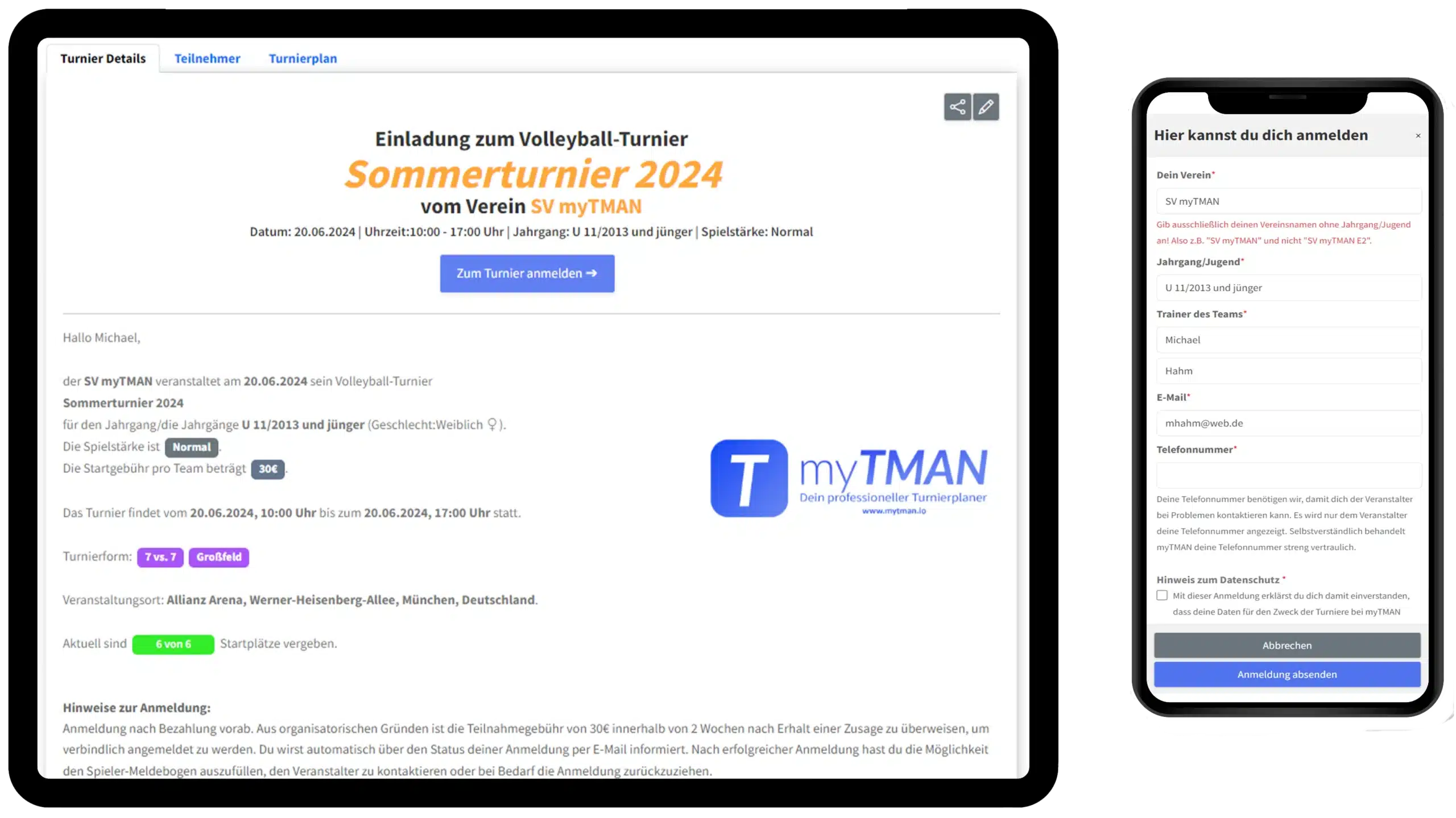
myTMAN automatically creates a registration page where coaches can sign up for your tournament with a single click. As the organizer, you can then accept or decline the registration, and we’ll automatically notify the coach via email in either case .
1 Automatically generated online registration page
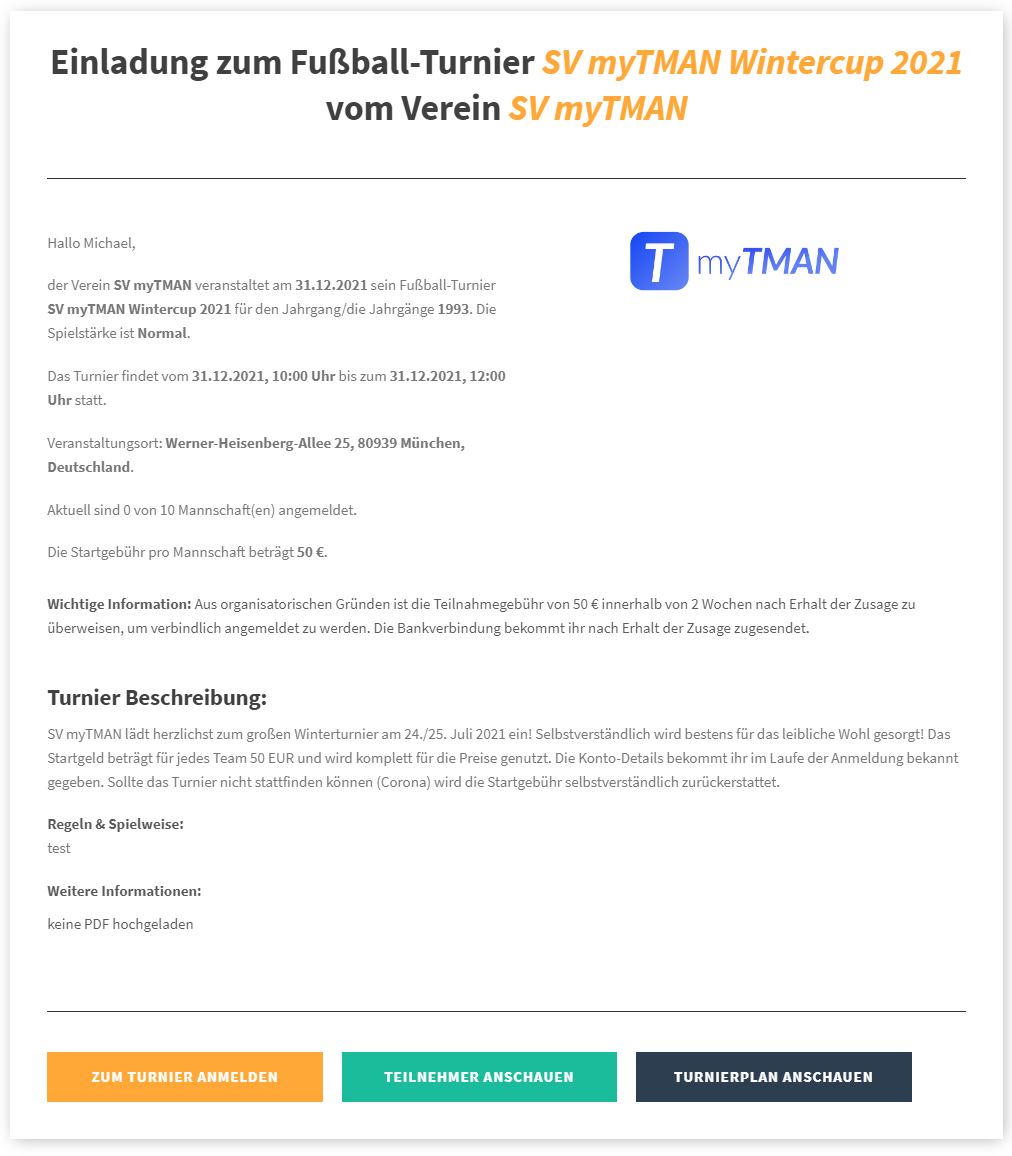
When you create your tournament, we automatically generate an invitation page that includes a registration form, allowing coaches to sign up with just one click.
When creating your tournament, you have many different customization options, such as payment methods, a description, allowing guest registrations, adding logos, sponsors, PDFs, and much more.
2. Send out tournament invitations
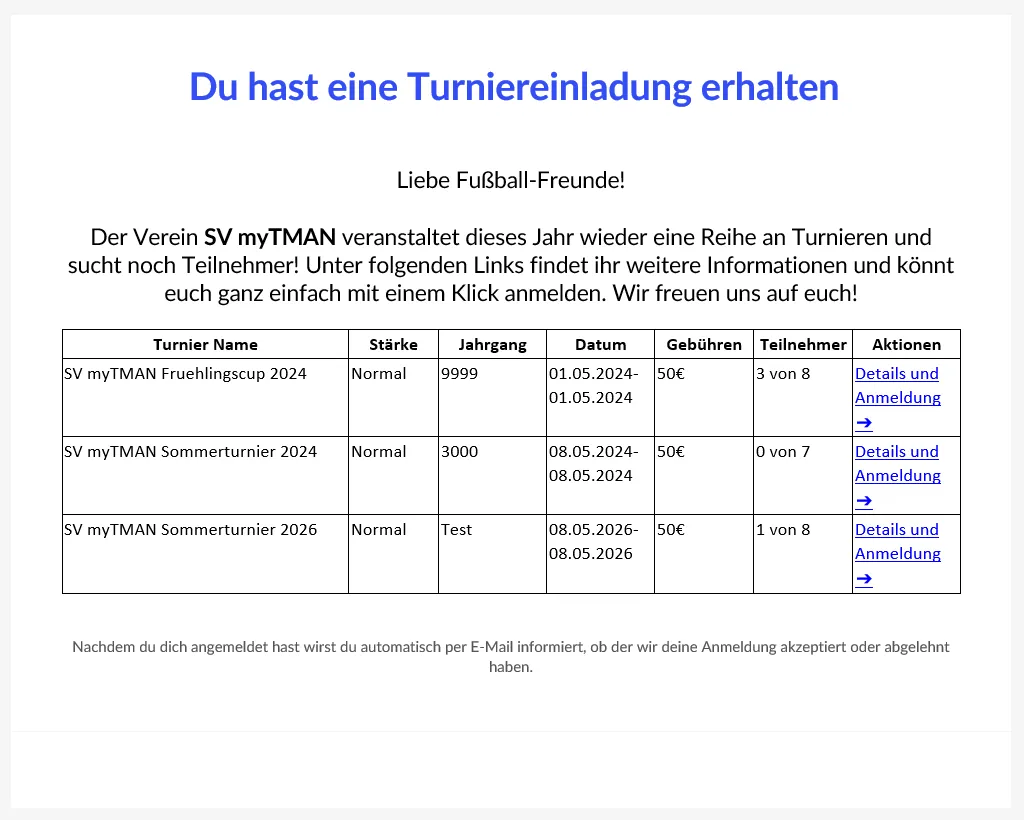
With just one click, you can send your tournament invitations directly via email, WhatsApp, or as a link. That means manually writing emails is a thing of the past!
3 Manage registrations
As soon as a coach registers for your tournament, we'll automatically notify you by email. When you accept or decline a registration, the coach will be automatically notified by email!

Accept registrations
With just one click, you can then accept the registration so that the coach and his team can participate in your tournament.

Confirm receipt of payment
Keep track of registration fees that have already been paid by marking registrations as paid.

Reject applications
If you don't want a team to participate in your tournament, click "Decline," and the coach will also be automatically notified of your decision.

Add to waiting list
Is your tournament already full? Put registrations on the waiting list so you can quickly fill any openings if someone drops out.

Manual registrations
You also have the option of adding manual registrations—for example, from your own team—to your tournament.
4 The Registration Overview
The registration overview provides a clear, centralized view of which teams have registered for your tournament. It also displays all other relevant information, such as coaches, registration dates, and the status of entry fees. Additionally, you can send a message to all participants.
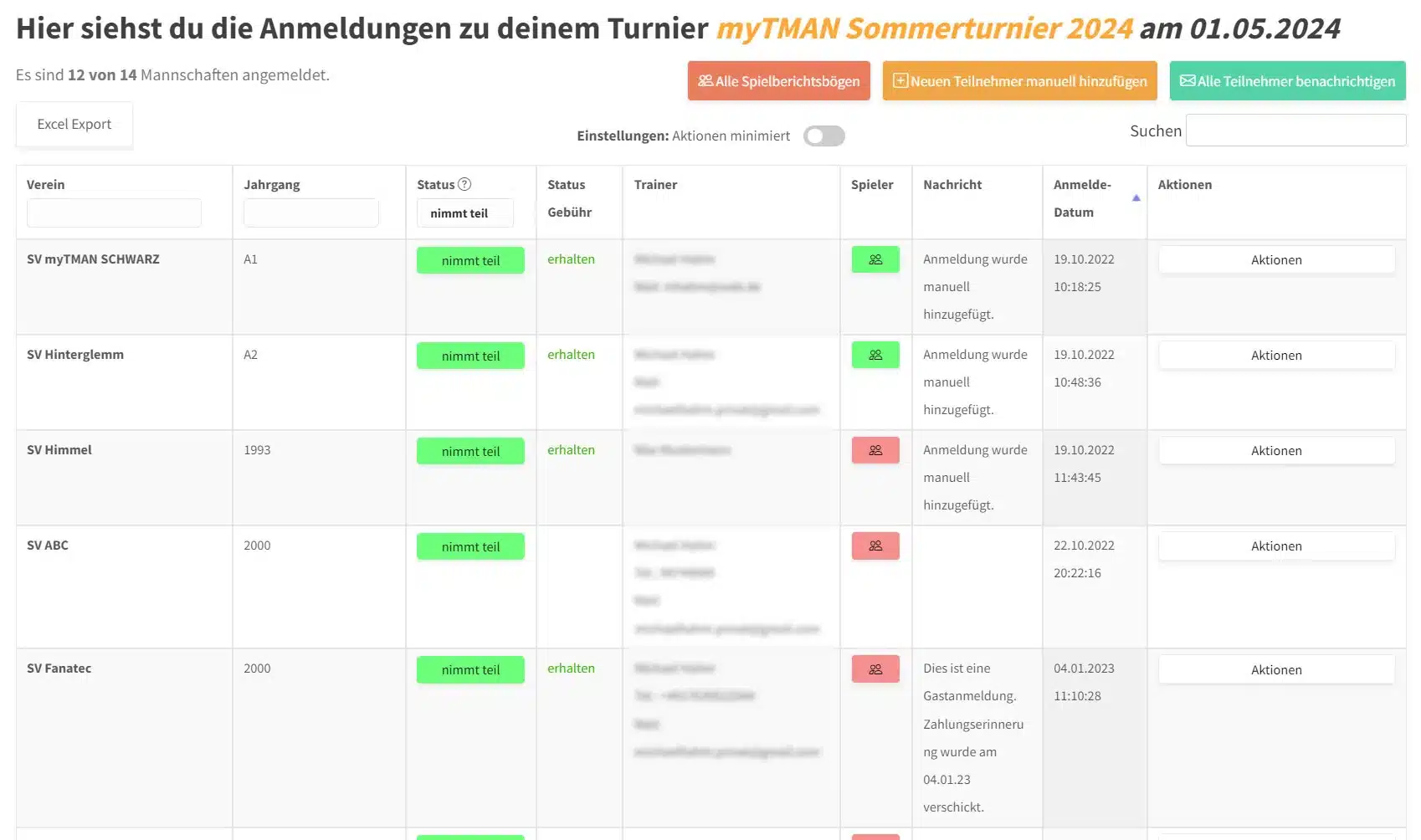
"Managing registrations has never been easier!"
5 Notify all participants at once
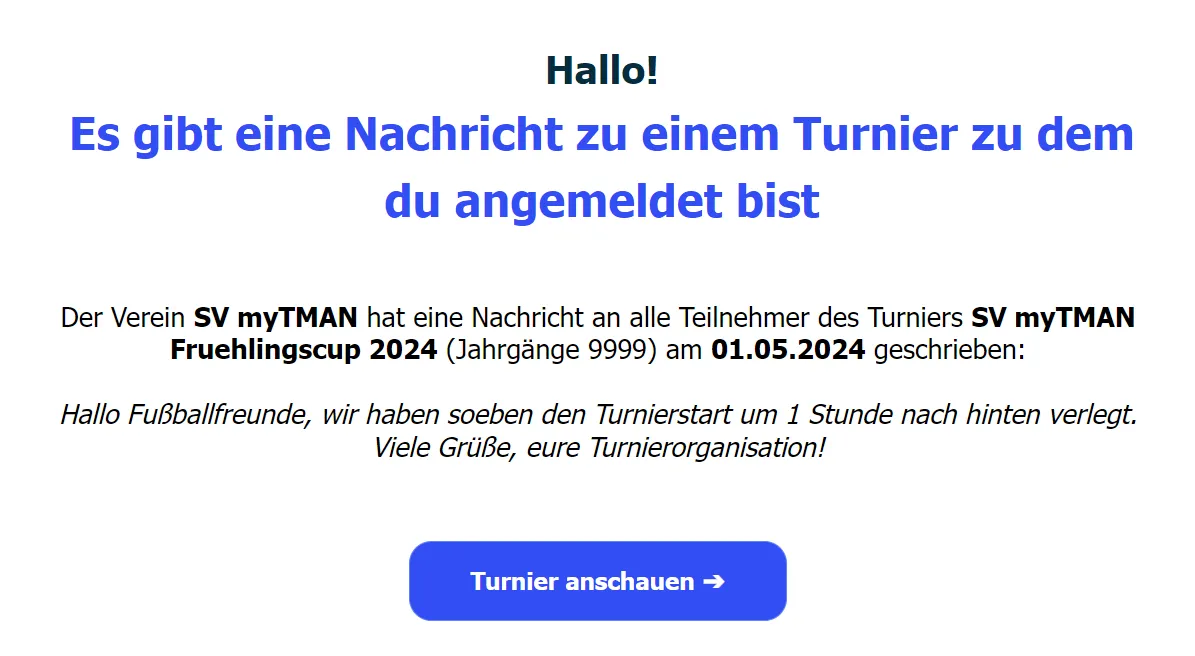
With just one click, you can send an email to all your participants with important information about your tournament. This saves you the trouble of manually searching for addresses and drafting the email.
6 Create a player registration form
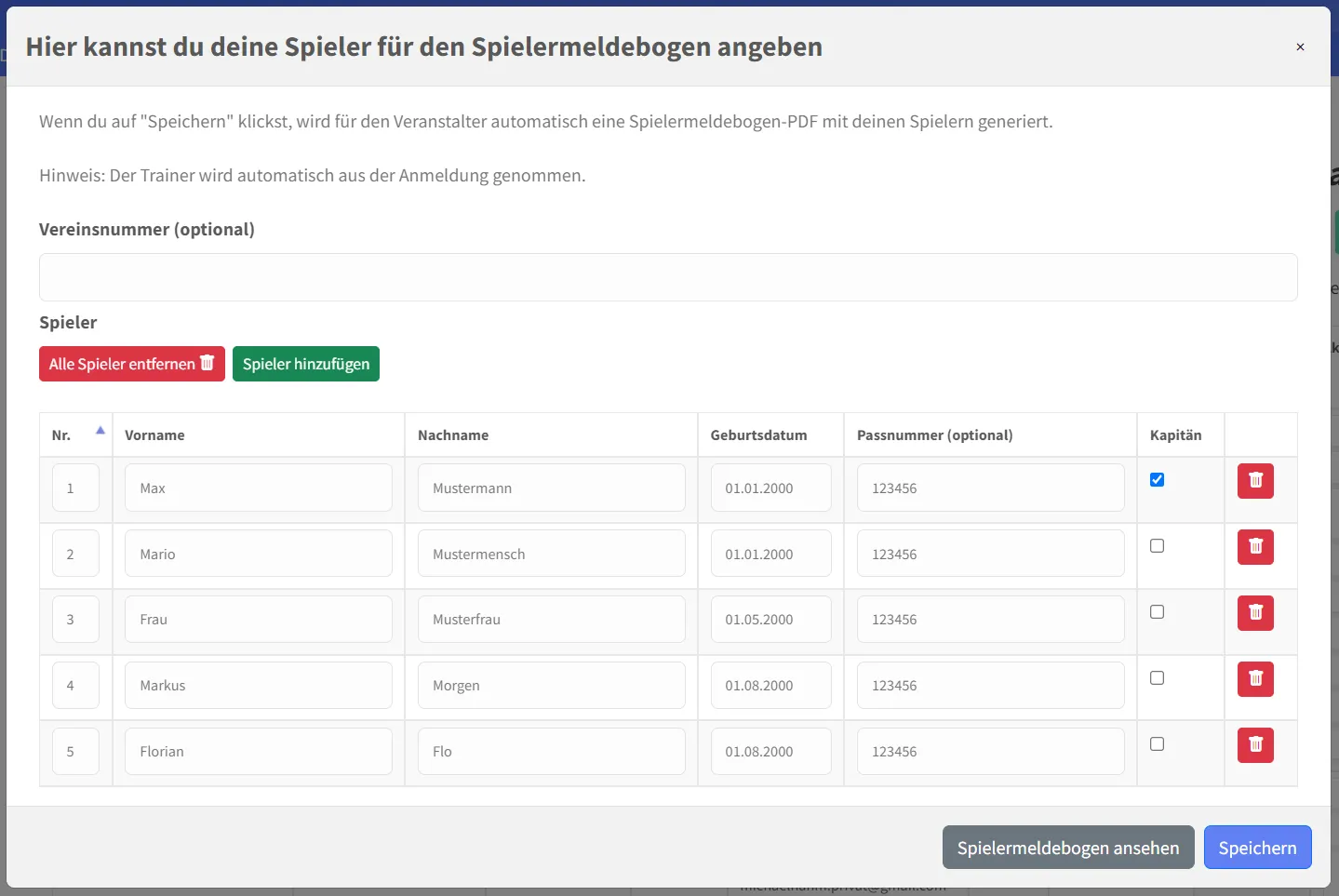
Participants can register their players for your tournament in myTMAN. This means you don't have to create and send PDFs in advance, as we handle this automatically for you.
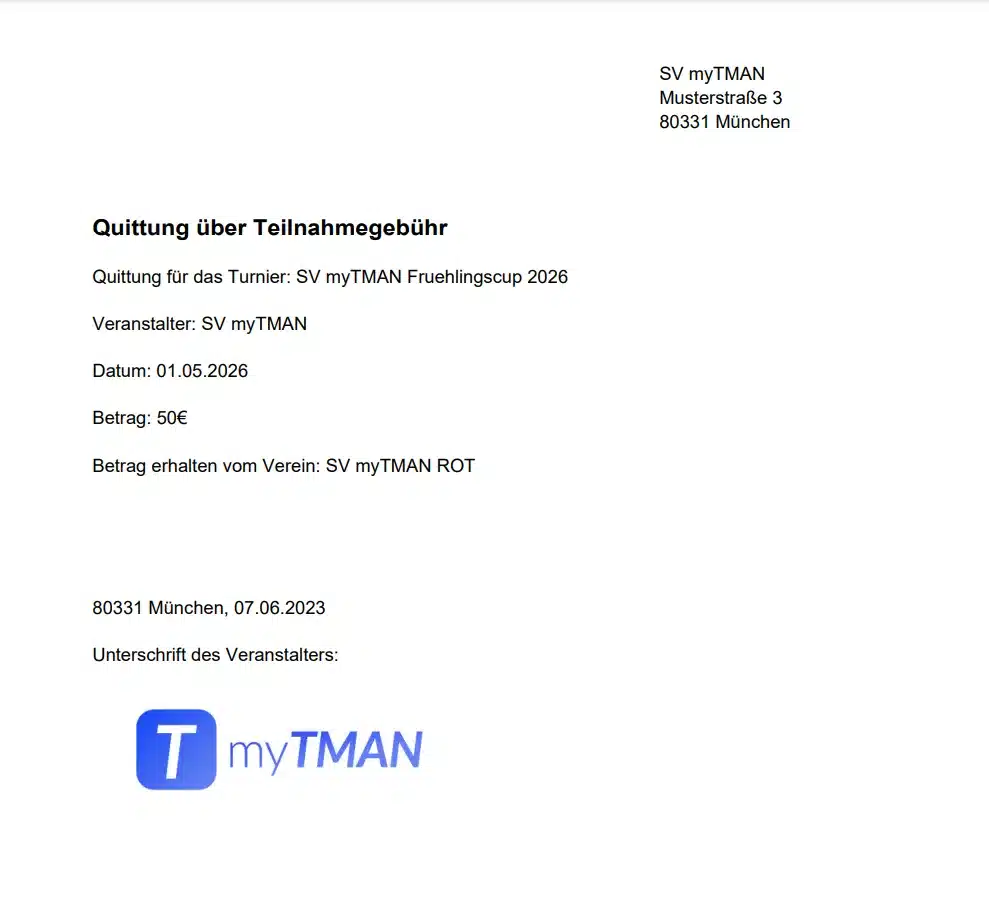
7 Automatically generate and send receipts
With just one click, myTMAN automatically generates receipts for your participants and sends them via email.
"Manually creating PDFs is now a thing of the past!"